
Short answer
A landscaping website books jobs when it answers four questions fast: do you work in my area, do you do this job, roughly what will it cost, and how do I book? Show the towns you cover, give each main service its own page with "from" prices, let customers book routine work like mowing online, and use a short quote form that takes photos for bigger projects.
It's a Sunday evening. A homeowner is standing at the back window looking at a hedge that's taken over half the lawn. She searches "hedge trimming near me" on her phone, taps the first two websites she sees, and gets a nice photo of a garden, the words "Quality landscaping services" and a phone number.
She's not going to ring anyone at 8 p.m. on a Sunday. So she taps the third result, which lets her pick "hedge trimming", type her postcode, upload two photos and ask for a quote. That business gets the job on Monday morning.
The first two sites weren't bad-looking. They just didn't do anything. Here's how to fix that, whether you mow lawns in Ohio, cut hedges in Surrey, landscape back gardens in Ontario or run a mowing round in Brisbane.
Why don't most landscaping websites book jobs?
Because they're built like a business card, not like a front desk.
A typical gardener or landscaper website has a home page, an "About us", a gallery and a contact page with a phone number. It looks fine. But it leaves every real question unanswered:
- Do you cover my area? Often there's no list of towns, just "and surrounding areas".
- Do you do the job I need? Hedge cutting, lawn care, clearances and patios get squeezed into one paragraph.
- What will it roughly cost? Nothing, so the customer assumes "expensive" or "they'll waste my time".
- How do I book? "Call us." While you're up a ladder or behind a mower.
Every unanswered question is a reason to hit the back button. And on a phone, the next result is one thumb away.
Should a landscaping website take online bookings or quote requests?
Both, for different kinds of work. This is the decision most landscaping sites get wrong, so I'll be blunt about it.
Book online: routine jobs you can price without seeing the garden. Lawn mowing on a regular round, a one-off lawn cut for a standard-size garden, gutter clearing, a spring tidy-up of a set length. If you'd quote it the same way for almost every customer, let them pick a slot and book it.
Quote form: anything where the garden decides the price. Patios, fencing, turfing, garden clearances, tree work, full redesigns. Nobody should be booking a new patio from a calendar widget, and you don't want them to.
Book a site visit: the middle step for bigger projects. Once you've seen the photos and you're interested, send a link to book a free survey slot. That stops the "when are you free?" back-and-forth by text.
My opinion: most small landscaping businesses should start with the quote form and site-visit booking, then add true online booking only for one or two routine services. A booking calendar you don't keep up to date is worse than no calendar at all.
How should you show your service areas?
Clearly, specifically and honestly. "Serving London and surrounding areas" helps nobody, and it doesn't help Google either.
On your Google Business Profile. If you go to customers rather than having them come to you, you're a service-area business. Google's help page on managing service areas says you can set up to 20 service areas by city, postal code or other area, and that the overall area shouldn't be more than about 2 hours of driving time from where your business is based. You can't set a radius anymore. If you don't serve customers at your address, Google says to remove the address and list only the service area.
So pick your 20 carefully. List the towns where you actually want more work, not every place you've ever driven through.
On your website. Put a short list of towns or postcodes on the home page and on each service page. Then, for the three to five areas you most want to grow in, create proper area pages with jobs you've actually done there: a before-and-after from that street, the type of soil or garden you tend to see, how often you're in the area.
What you shouldn't do is clone the same page 40 times with the town name swapped. Google's spam policies call that doorway abuse, and they specifically mention pages "targeted at specific regions or cities that funnel users to one page." Fewer, real area pages beat dozens of thin ones.
A postcode or ZIP check. If your area has hard edges, add a simple "Do you cover my postcode?" box at the top of the quote form. Customers outside your patch get a polite "sorry, we don't cover that area yet" before they waste your time and theirs.
Should you put your rates on your landscaping website?
Yes. Not a full price list, but enough to set expectations.
I know a lot of landscapers hate this idea. "Every garden is different." True. But a customer who sees nothing assumes the worst, and a customer who sees a ballpark figure can decide if you're for them before you've driven out.
What works on the sites I build:
- "From" prices for routine work. "Lawn mowing from [your price] per visit for a standard garden." "Hedge trimming from [your price] per hour."
- A minimum call-out or minimum job size, so you're not driving 40 minutes for a 15-minute job.
- What changes the price, in plain words: garden size, access (is there side access, or does everything go through the house?), green-waste removal, height of the hedge.
- Typical project ranges for bigger work, if you're comfortable sharing them. "Most of our patios in the area fall between X and Y" filters out tyre-kickers better than any form.
You don't have to be the cheapest. You just have to stop being the mystery.
What should a landscaping quote form ask?
Less than you think, but the right things. Here's the form I'd put on a gardener or landscaper website:
- Service (a dropdown: lawn care, hedge trimming, clearance, patio, fencing, design, other).
- Postcode or ZIP code (with the area check above).
- Photos of the garden (let them upload two to five from their phone).
- Rough size (small, medium, large, or "not sure").
- When they'd like it done (this week, this month, flexible).
- Name, mobile number and email.
- Optional: a budget range, for project work.
That's it. Photos do more work than any amount of typing. A homeowner can't describe "how overgrown" the hedge is, but a photo shows you in one second whether it's a two-hour job or a full day with a skip.
Make the form work properly on a phone: big buttons, a photo upload that opens the camera roll, the number keypad for phone numbers. Then send an instant confirmation saying when you'll reply. Plenty of gardeners already quote over WhatsApp, so a WhatsApp button next to the form makes sense too.
If you're in the UK, link a short privacy notice from the form, because you're collecting personal data and photos of people's homes. The ICO explains what to include under the right to be informed.
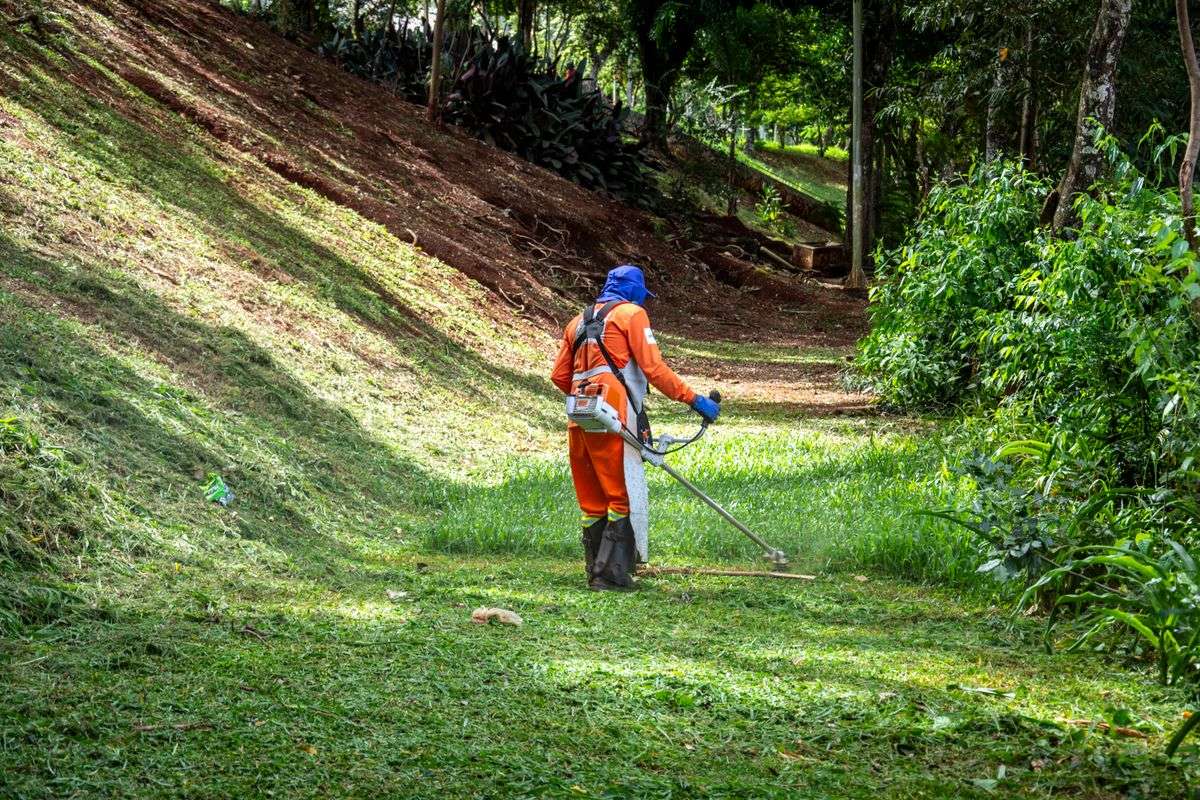
Photo by Rodolfo Gaion on Pexels
Do you need a separate page for each landscaping service?
For your main services, yes. Someone searching "patio installers near me" wants a page about patios, with patio photos and the areas you lay them in. One "Services" page that lists everything rarely ranks well for any of it.
Each service page should have:
- What the job includes and what it doesn't.
- Your "from" price or typical range.
- Three to six real photos of that kind of job (yours, not stock).
- The areas you offer it in.
- The two or three questions people always ask before booking it.
- One clear button: "Book a mowing slot" or "Get a patio quote", depending on the job.
When I built landing pages for Thames Hedging, a UK hedging business, the big lesson was how garden customers actually search: by the job, by the town, and very often with a photo of the problem in hand. Pages built around that pattern give both Google and the customer exactly what they came for.
Lead sites vs your own website: which is cheaper?
Lead platforms aren't evil. They can fill a quiet diary while your own site gets going. But you should know how they charge.
On Bark, for example, you use credits to respond to a customer, and the help centre says the number of credits depends on the service type and the size and scope of the job. It lists the current price at $2.35 per credit, says credit prices vary by country and pack, and says credits bought from November 1, 2025 expire three months after purchase. You're paying to contact the customer, before you know whether you'll win the job.
A request through your own website doesn't cost you anything per lead. The customer chose you, not a shortlist. Over a season, that difference adds up.
My advice: keep a lead site if it's working, but treat it as rented traffic. Every customer you win should be pointed to your own website and Google profile for repeat work and reviews.
How does your Google Business Profile fit in?
It's usually where the booking starts. Someone searches, sees your profile on the map, taps through.
Three things to set up:
- Your booking link. Google's help page on local business links says you can add up to 10 links per category, including links to book an appointment, and choose one as your "Business preferred" link. Point it straight at your booking page or quote form, not your home page.
- Your service areas, as above.
- Regular posts. On October 19, Search Engine Roundtable reported that Google seems to be testing Google Posts higher up in the local panel, after years near the bottom. It's a test, not a guarantee. But a seasonal post ("Booking spring lawn treatments now in [town]") costs you five minutes and may now get seen by more people.
There's also something new for US and UK owners. Google has a closed beta called Business Home that brings your Business Profile, Merchant Center, YouTube and Ads together, and it's only open to select business categories in the US and the UK right now. If you get the invitation, it's worth a look, but it doesn't replace a website that can take a booking.
For more on how AI answers are changing local searches like "lawn care near me", read my checklist for Google AI Mode local search.
What would I build first for a small landscaping business?
If you came to me with no website, or a dead one, here's the order I'd do it in:
- Google Business Profile cleaned up: service-area setup, the right category, real photos, booking link.
- Home page that says what you do, where, and has a big quote button above the fold.
- The quote form with photo upload and an instant confirmation.
- Three to five service pages for the jobs you want more of, with "from" prices.
- A gallery you can add to from your phone after each job.
- Area pages for your best two or three towns, with real local jobs.
- Online booking for one routine service, once the rest is working.
Winter (or whenever your quiet season falls) is the best time to do this. In the UK, Canada and the northern US that's now. In Australia, you're heading into summer, so it's probably a job for the autumn.
You can see what I put on a gardener's site on my website design for gardeners and landscapers page. If you're a lawn care or landscaping business in the US, Canada or Australia, my websites for local businesses page covers the same approach. Either way, tell me what you do and where you work, and I'll reply with a fixed price and what I'd build first.
FAQs
What should a landscaping website include to get more bookings?
A list of the towns you cover, one page per main service with "from" prices and real photos, a short quote form that accepts garden photos, a click-to-call and WhatsApp button, and online booking for routine jobs like mowing. Link it all to your Google Business Profile.
Should landscapers show prices on their website?
Yes, as "from" prices or typical ranges, plus a minimum call-out and a plain explanation of what changes the price. You don't need a full price list. A ballpark figure filters out people who were never going to hire you and reassures the ones who will.
Can customers book landscaping jobs online?
For routine work you can price without a visit, like regular mowing or a standard hedge trim, yes. For patios, fencing, clearances and design work, use a quote form with photos, then send a link to book a site visit.
How many service areas can I add to my Google Business Profile?
Google says you can set up to 20 service areas by city, postal code or other area, and that your overall area shouldn't be more than about two hours' drive from where your business is based. You can't use a radius.
Should I make a separate page for every town I cover?
No. Make proper pages only for the few areas you most want to grow in, with real jobs you've done there. Dozens of near-identical town pages can fall foul of Google's doorway abuse policy.
Are lead sites like Bark worth it for landscapers?
They can fill gaps, especially when you're starting out. But you pay to respond to each lead whether or not you win the job. Use them alongside your own website, and move repeat customers to booking with you directly.


